Interior Project Tracker: Every site on one screen. Payments asked for on time.
See which site is behind, what is due on site today and which payment to ask for. Your supervisor ticks tasks from a phone. Each client gets one update a week on WhatsApp, before they have to call.
- Demo on your own data before you pay
- Live in two weeks
- Fixed price, from ₹25,000
- Works on any phone
Sample data: Studio Aangan Interiors is an invented interior design firm in Gurugram. No signup. Nothing is saved.
Press a number to see that part, or press the picture to open the working demo with sample data. Nothing is saved. Open it full screen · Set up for Interior firms
How it runs today
- Five sites are running, and you learn what happened at each one only by calling the supervisor.
- The carpenter says tomorrow, the client hears tomorrow, and nobody wrote down which tomorrow.
- Snags are noted in WhatsApp photos, and two of them are still open on the day of handover.
- The material reaches the site, but the payment linked to it is asked for two weeks later.
- The client calls every evening to ask what was done today.
How work moves through it
- 1An enquiry moves through site visit, design and quote to a running site
- 2The week at each site is planned as tasks, each with one person and one date
- 3The supervisor marks a task done from the site, with a note or a photo
- 4A snag becomes a task too, and is closed before handover
- 5Payments fall due with their milestones, and the client gets an update every week
Every part, spelled out
Project board
Every project from enquiry to handover. A running site shows its day count against the date you promised, and turns red when it is behind.
Site tasks
Each task on each site has one person and one date. The supervisor marks it done from the phone, with a note or a photo.
Snag list
A snag gets a person and a date like any other task. A site cannot be marked handed over while a snag is open.
Milestone payments
Each payment is tied to a milestone, such as material delivery or handover. It shows up on the day it falls due, with a polite WhatsApp reminder.
Weekly client update
One message for each client every week: what was done, what comes next, open snags and the payment due. It is built from the site tasks.
Owner view
Sites running, tasks due today, open snags and the money to ask for this week, on one screen.
Made for businesses like yours
Interior design and build firms
With several homes and offices running at once, each with its own carpenter, electrician and painter.
Modular kitchen and wardrobe firms
Where the factory order, the delivery and the fitting at site each have a date, and a payment linked to it.
Owners who started as designers
Who would rather design than spend the evening chasing site updates and payments.
What you get, and when
- Your own stages, payment milestones, designers, supervisors and site teams set up
- Running sites loaded with their open tasks, snags and pending payments
- Project board, site tasks, snag list, milestone payments and the weekly client update
- WhatsApp messages in your wording: payment reminder, weekly update and a reminder for late tasks
- Logins for designers and supervisors, on their phones, with training for each role
- One month of care after go-live, with fixes and small changes
How sites run today
An interior project is a hundred small jobs done by five different teams. The plan is in the designer's head, the dates are in phone calls, and the proof is in WhatsApp photos. The owner learns what happened at a site by calling the supervisor, and the client learns it by calling the owner.
Two things suffer. Sites slip a day at a time, and nobody sees it until the handover date is gone. And payments that are tied to milestones are asked for late, because nobody noticed that the milestone was reached.
What changes with the tracker
- Every project is on one board, from enquiry to handover.
- Each task on each site has one person and one date. A late task shows up by itself.
- A running site shows its day count against the date you promised.
- Snags are listed with a person and a date, and are closed before handover.
- Each payment shows up on the day its milestone falls due, with a reminder ready to send.
- Each client gets one update a week, before they have to call and ask.
What it does not do
It is not design or 3D software, and it does not make BOQs or estimates. It does not order material or keep stock. It also does not run the site for you: a supervisor still marks what was done, and the system makes that a job of minutes. Tally stays for billing and accounts.
What we need from you
- Your list of running sites, with the client, the value and the promised date
- Your usual payment milestones
- The names of your designers, supervisors and site teams
- One person who will plan the week for each site
- An hour for the demo and an hour for training
One fixed price to set up. A small fee to keep it running.
No per-user charge. You see a demo on your own data before you pay anything.
Starter system
One process, set up for you and live in two weeks.
- A working demo on your own data before you pay
- Scope and price on one page
- Your current data loaded and your staff trained
- First month of care included
Care plan
Keeps the system running. Starts from the second month.
- Backups and uptime watched
- Faults fixed
- Two small changes a month
- Reply by the next working day
System Partner plan
For when your daily work runs on the system.
- Up to 8 hours a month of new reports, automations and changes
- A weekly report to the owner
- A monthly review call
- Training for new staff
How the plans work
- Half the setup price to start, the rest before go-live.
- The monthly fee is paid at the start of the month.
- Hours are written down. Unused hours do not carry over.
- First term is three months, then 30 days notice either way.
- Extra work is quoted before it starts.
What is not included
- Daily follow-up with your staff. One person on your team does that, and we train them.
- New modules and new integrations. Each gets its own quote.
- Cleaning old data beyond the first import.
- WhatsApp tool charges. You pay the tool directly, about ₹500 to ₹2,800 a month plus message charges.
Add-ons
Each has its own quote.
- A first reply to every WhatsApp enquiry within a minute, then follow-up for seven days
- Payment reminders sent from your own sheet on the days you choose
- Bills read into your sheet or Tally, checked by a person before saving
Before you ask
Is this design or 3D software?+−
No. Keep the software you use for drawings and 3D views. This tracks what happens around the design: the site tasks, the snags, the payments and the updates to the client.
Does it make BOQs or estimates?+−
No. You make the quote the way you do today. Only the project value and the payment milestones are entered here, so that each payment can be asked for on time.
Will carpenters and contractors have to use an app?+−
No. The supervisor or the designer updates the tasks from a phone. A late task can be sent to the contractor as a WhatsApp reminder. The site screen is one list and one button.
Can the client see the status of the site?+−
The client gets a weekly update on WhatsApp, built from the tasks done and the tasks planned. You choose whether it goes by itself or only after you have read it. A login for clients is a separate piece of work and gets its own quote.
How long does it take to start?+−
About two weeks for one process, including loading your current data and training your staff. You first see a demo on your own data, before you pay anything.
What does WhatsApp cost?+−
Messages that go out by themselves use a WhatsApp Business tool that you pay for directly, about ₹500 to ₹2,800 a month plus a small charge per message. We set it up on your own number. Tap-to-send messages from your phone cost nothing extra.
Is it charged per user?+−
No. The setup has one fixed price and the monthly plan is flat. Add as many staff as you have.
Where is our data kept?+−
Your quote explains the two options: on a server we run for you, or on your own server. Either way the data is yours and you can export it at any time.
The practical bits
Often set up next
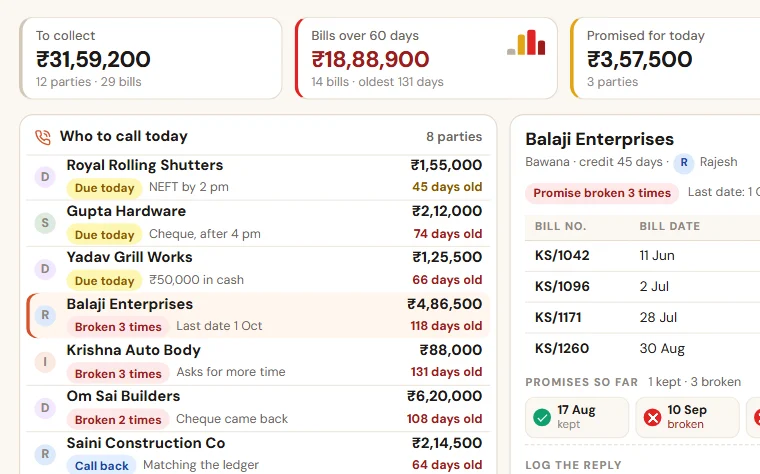
Payment Follow-up
See who to call today, which promise was broken and how old every bill is. Reminders go on WhatsApp, and you see collection salesman by salesman.
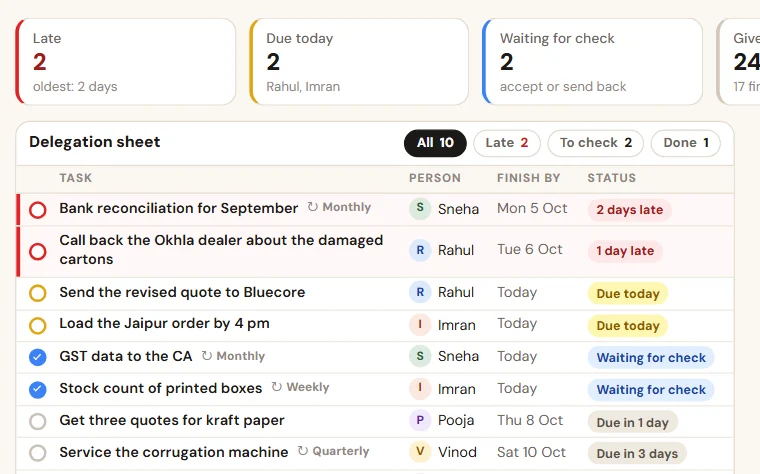
TaskEasy
Give work in ten seconds, see what is late without asking, and get one report of what got done. Checklists for the jobs that repeat.
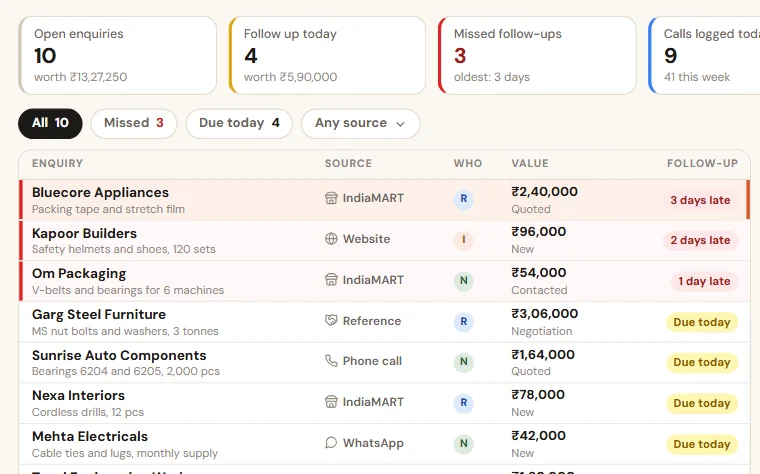
Enquiry Follow-up
Enquiries from calls, WhatsApp, IndiaMART and your website in one list. Each salesperson sees who to call today, and you see what was missed.
See Interior Project Tracker on your own data
Share last month of your data. We come back with a working demo, then a fixed price on one page.